
Valo Reader browser extension
Install the Chrome extension to import content from YouTube and the web, and export vocabulary to Anki while you read.
What it does
The Valo Reader browser extension adds capabilities that are not available through the web app alone:
- YouTube import — open any YouTube video and send its captions directly to Create Story, ready for study.
- Webpage import — extract readable text from any article or blog post and send it to Create Story.
- Anki export — export vocabulary to Anki while reading, powered by AnkiConnect.
Install
Install the extension from the Chrome Web Store:
Sora Reader Import — Chrome Web Store
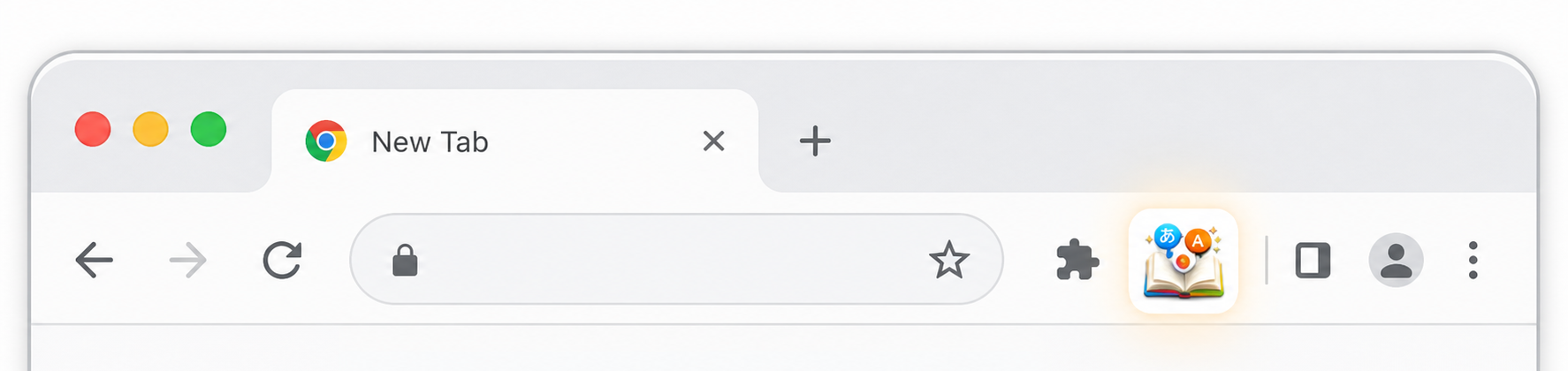
After installing, pin the extension to your toolbar so it is always one click away.
Import from YouTube
- Open a YouTube video (watch, live, or Shorts).
- Click the Valo Reader extension icon in your toolbar.
- The extension downloads the caption track and opens Create Story in Valo Reader with a pre-filled draft.
- Review the draft and save when ready.
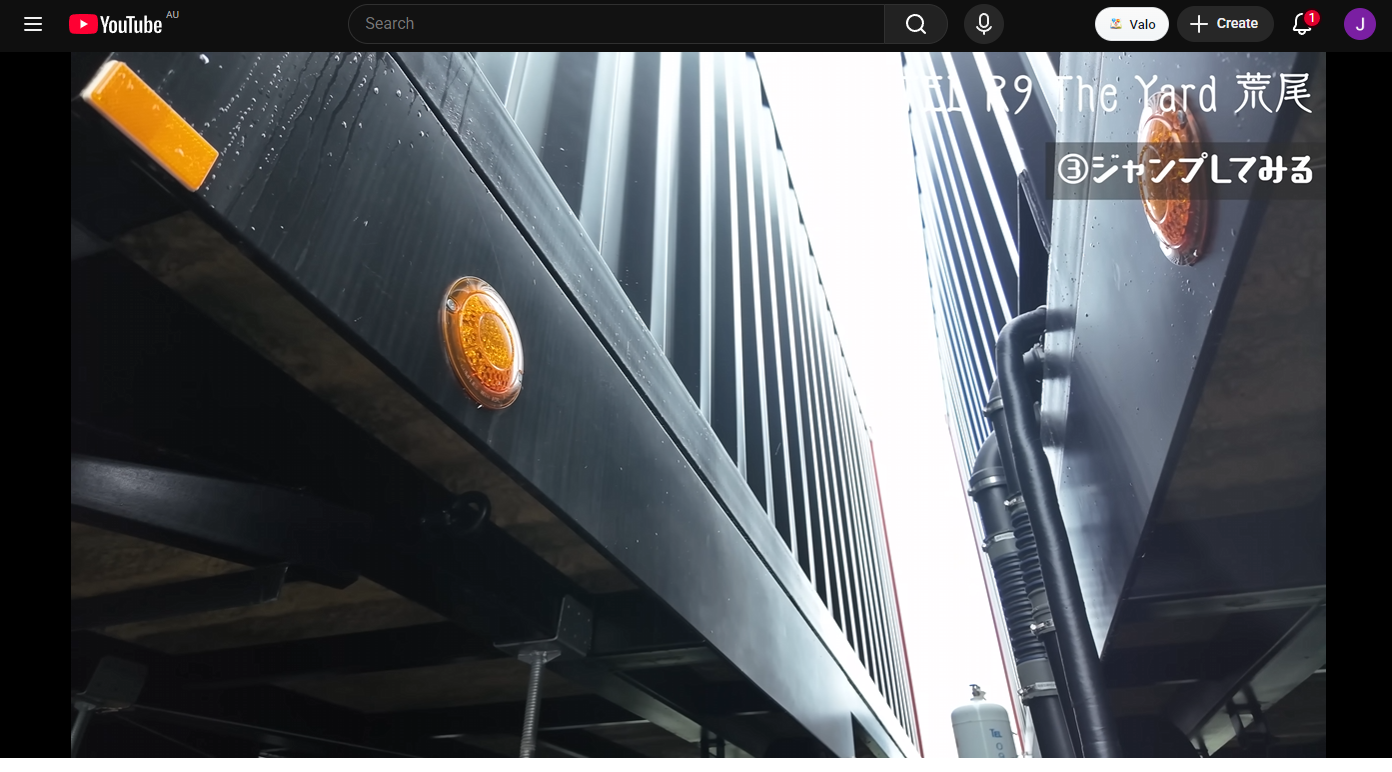
Subtitles do not always need to be turned on, but on some videos turning them on can help YouTube expose the caption track. If a video only has YouTube's auto-generated captions, the result can be less accurate than creator-uploaded subtitles.
Import from a webpage
- Open an article or other readable page (not YouTube, not Valo Reader).
- Click the Valo Reader extension icon.
- Review and edit the extracted title and text in the popup.
- Click Send to Valo Reader.
- Valo Reader opens Create Story at
/story/newwith a pre-filled draft.
See Import formats, size limits, and fidelity for what content types are supported and what gets preserved.
Export vocabulary to Anki
When the extension is installed, you can export words you look up in the reader directly to Anki. Configure your deck, note type, and field mappings in Settings → Reader → Anki export inside Valo Reader.
Requires AnkiConnect running in Anki and Anki open while you read. See Set up Anki export for the full setup guide.
Requirements
- Google Chrome or a Chromium-based browser (Edge, Brave, etc.).
- Logged into Valo Reader in the same browser profile so cookies and session can be sent.